
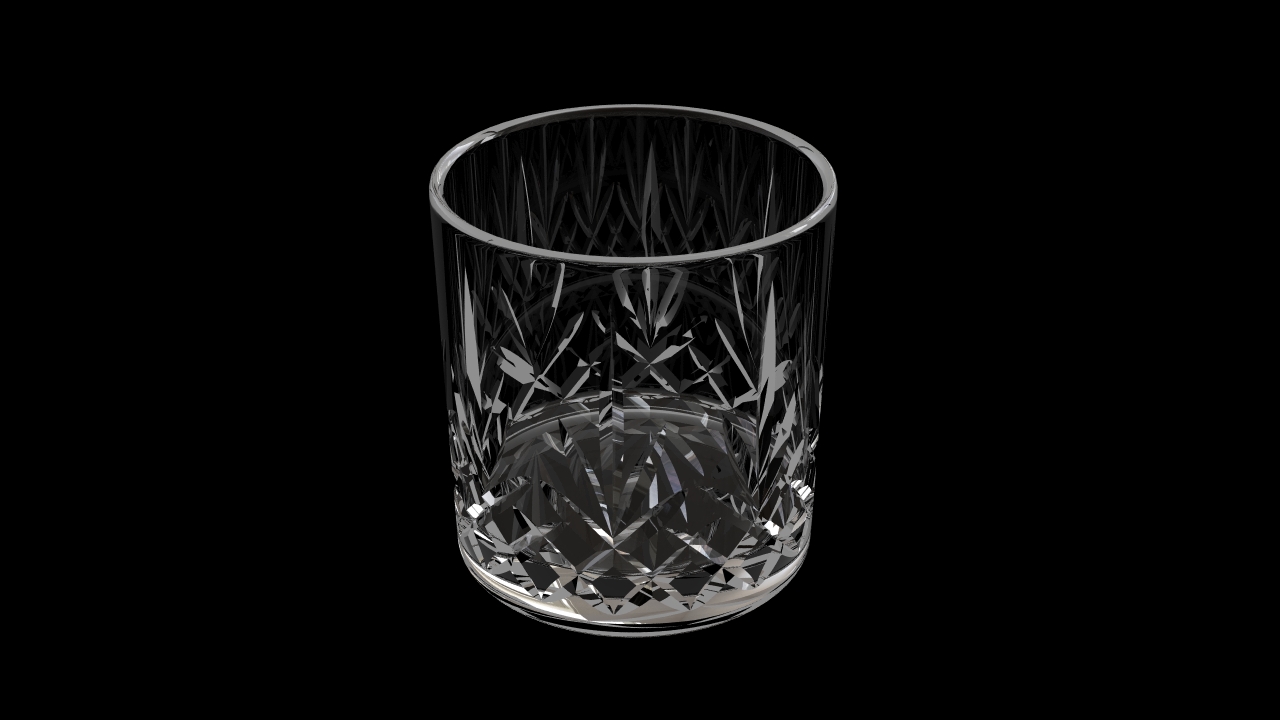
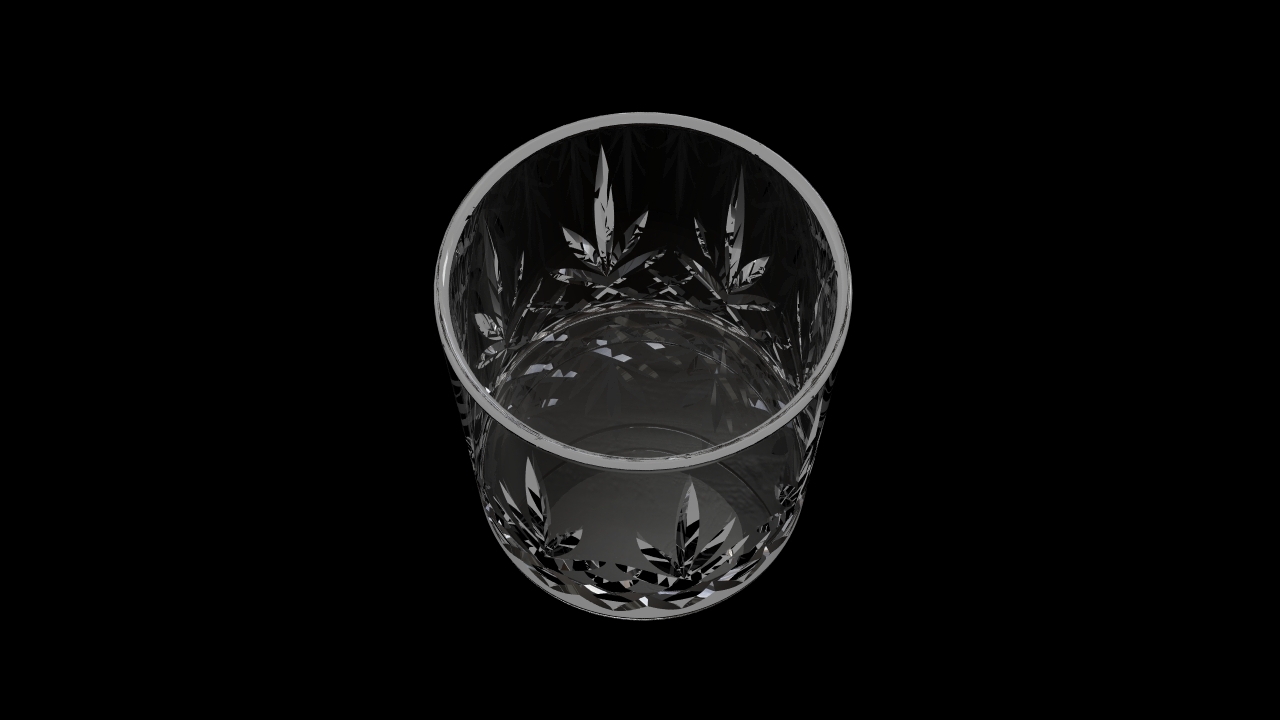
Thanks to Lucas Holwerda for sharing this 3D model with us. You can access this file in Rhinoceros 3dm + V-Ray file format or general obj extension (importable to 3ds max, cinema 4d, maya, blender, sketchup, or any other 3D program).
Download:
Thanks to Lucas Holwerda for sharing this 3D model with us. You can access this file in Rhinoceros 3dm + V-Ray file format or general obj extension (importable to 3ds max, cinema 4d, maya, blender, sketchup, or any other 3D program).
Download:
I was the one that created this material….I’d like some credit please.
Fixed. Thanks a lot!
You’re welcome
Hi
What software did you use to create the engraved designs at the base of the glass, and how did you do it?
Thanks
Stephanie
I used Rhino4 to do all the design work. I modeled only 1/4 of the glass but I modeled it flat. Basically took the circumference and divided it by 4. Then I made the pattern that is repeatable and used the boolean command to “carve” the 3d pattern out of the surface. once completed I stood the glass upright, used the ‘bend’ command in rhino and bent the flat surface at 90 degrees which made it one quarter of the glass. I mirrored and joined it from there.
Really great website, very very impressive stuff.
material can apply to the vary for sketchup
But can’t import 3d models to sketchup …..?
can this be imported into photoshop as a 3d object ??
Great job man, did you use any post-image processing? Or is it a raw render? Which render software did you use? VRay or Maxwell?
Hi,
Sure, I used Photoshop for postprocessing. V-Ray was utilized as a render engine.