
Description
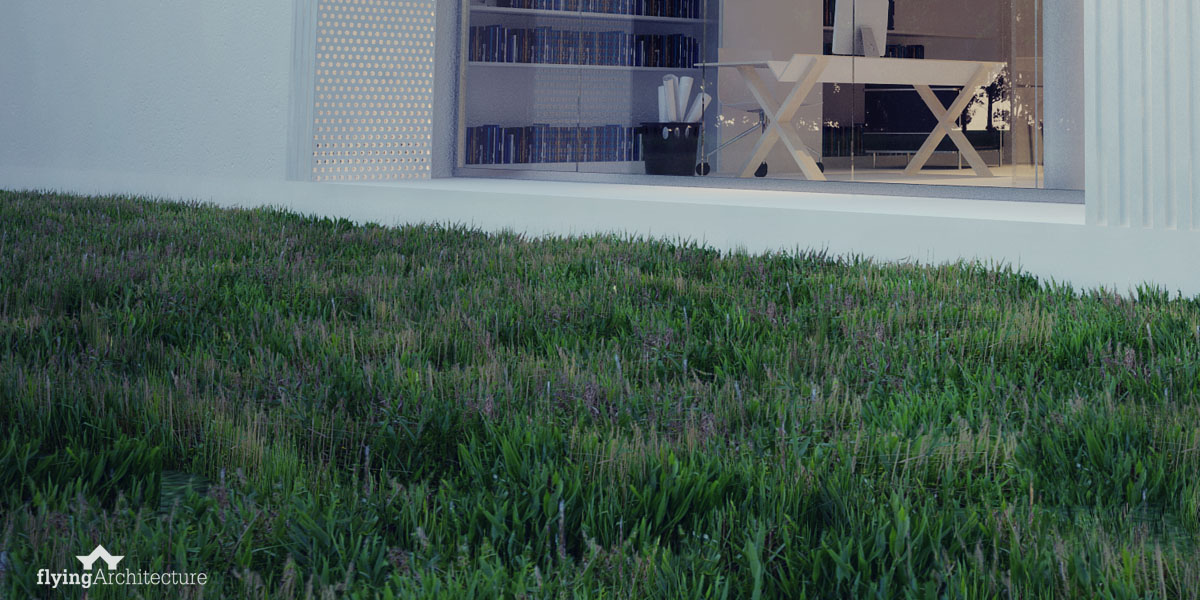
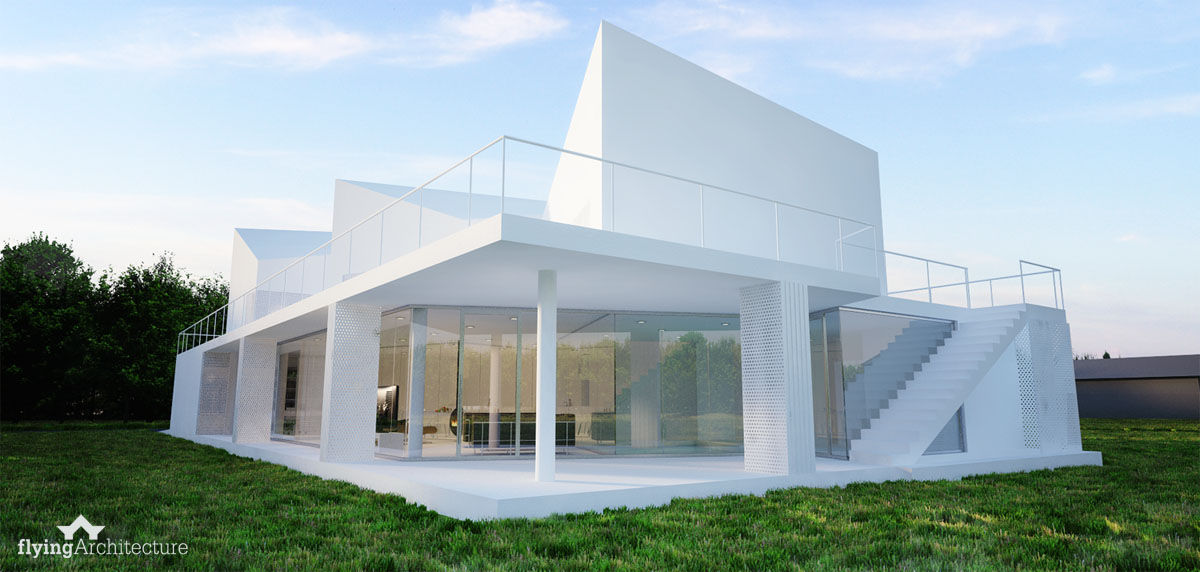
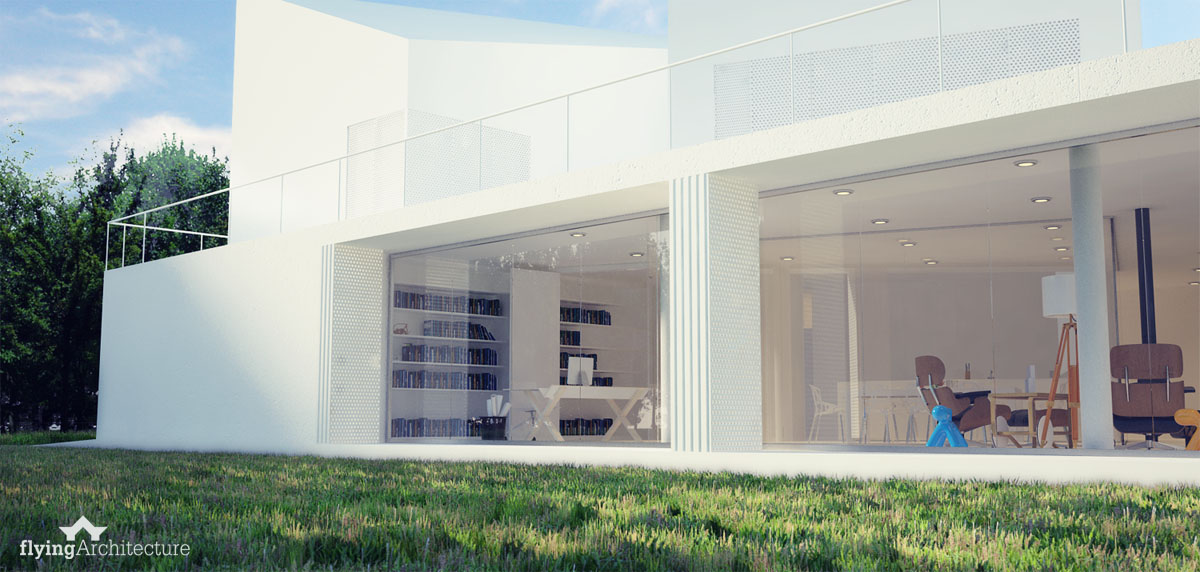
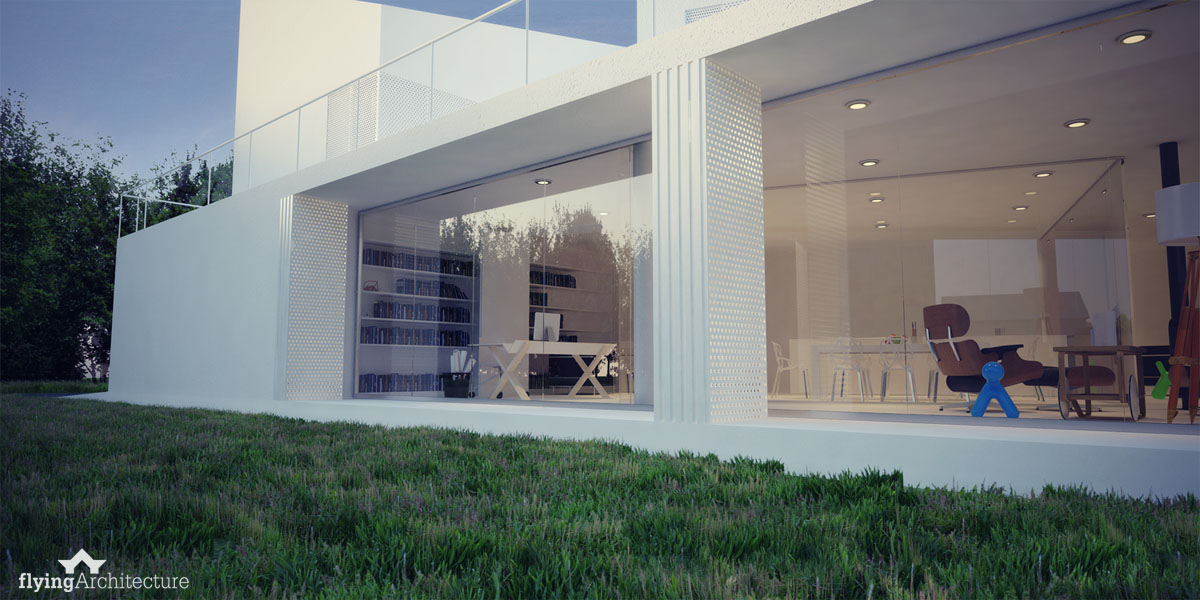
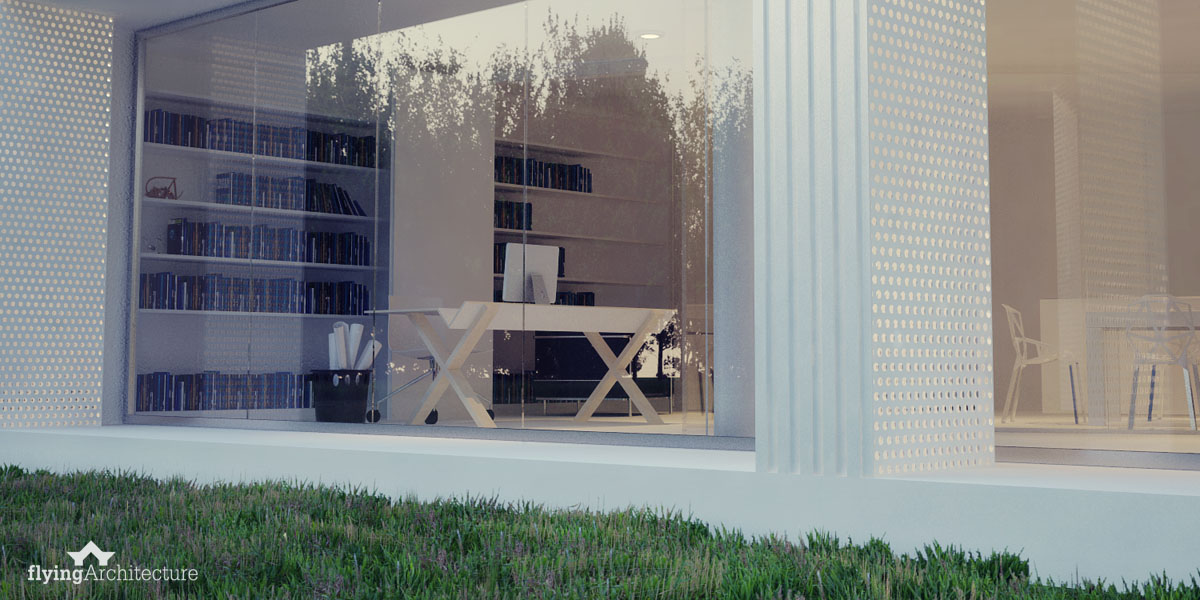
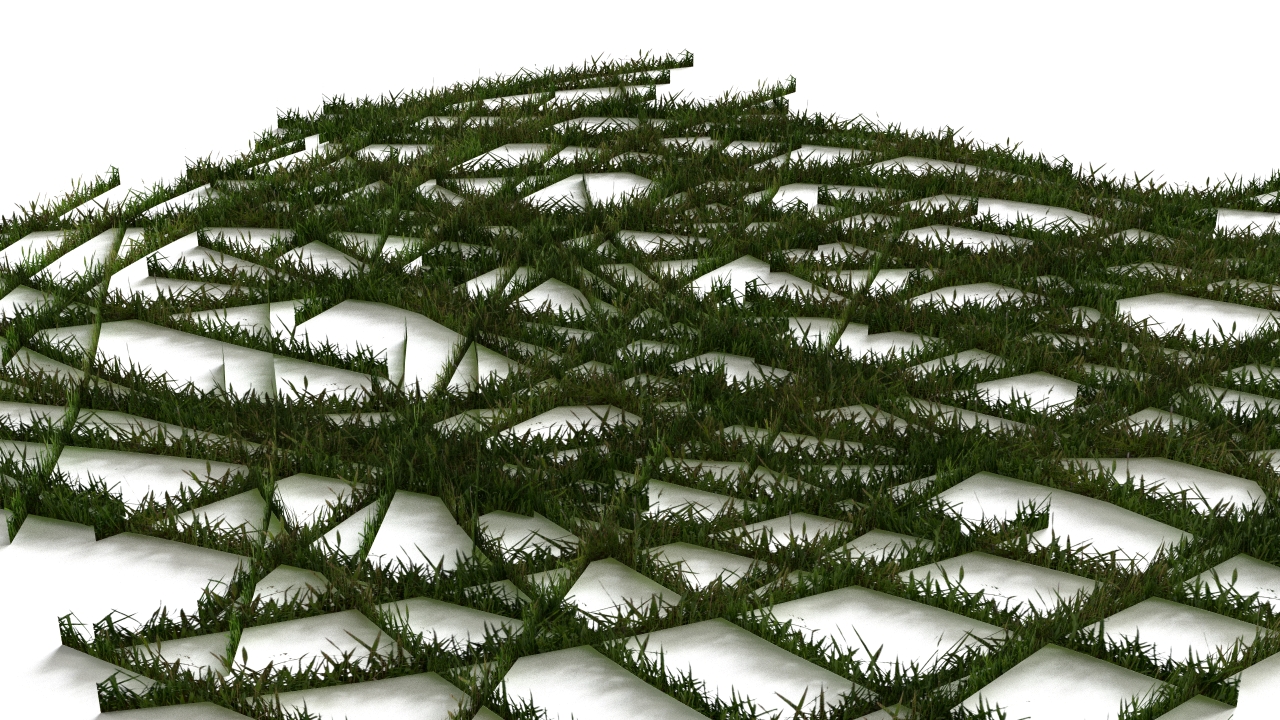
Realistic grass in Rhino the easy way - this is the most efficient way how to populate surfaces with grass batches. This way works mainly for lower angles - not really suitable for higher positioned cameras (because of the geometry). If you would like to reach more advanced visuals and to get more options, browse or Plants section - we offer more variations for lowpoly foliage with extremely realistic results.
Comments

michaelohankus
Sep 5, 2015
Here is a neat tutorial by Christopher McAdams on using this grass with grasshopper https://www.youtube.com/watch?v=yIalxjJ00MA
Reply


riemartin
Feb 8, 2017
Hi! I downloaded the lmnts definition from your link. The python script is missing when I load it.


yandito13
Oct 27, 2015
would i be able to use this with Maxwell Render ? using rhino as my modeling platform...


a_beruwien
Jul 9, 2016
I've downloaded the grass however when I render, it just appears black. Also before I render the grass block is there but there's no image of the grass and when I go to preview material no image of grass comes up ! Any tips ? I would greatly appreciate it !
Matus
Jul 9, 2016
Hi! Try to load the textures again via Vray material editor to refresh the connection between the material slot and specific texture. There is no reason the grass is not working... Let me know if that works.

Matus
Oct 4, 2016
If You recreate the material by Yourself and use our textures, then yes, You can use it in 3DS Max.

mric8838
Oct 1, 2017
Hi, this grass looks amazing but when I render the output is grey. I cannot refresh the connection by downloading the file to material editor because it is not a vismat file. Is there a way around this? Thanks
Matus
Oct 7, 2017
Hello, have You tried reloading the textures within Material Editor by refreshing links?

worth
Jan 28, 2019
Hi, I would like to ask, do you know a way how to make good looking grass (better than displacement) in rhino without grasshopper? Vray fur looks good, but it is consuming too much RAM on large surfaces, which is my case. I am searching for some tutorial without luck so far. Thanks!
Matus
Jan 28, 2019
Hello Worth! How about trying our Plants Kit vol 2 ? https://flyingarchitecture.com/models/flyingarchitecture-plants-kit-vol-2
worth
Jan 30, 2019
Hello Matus, thanks for the tip. Your plant kit looks really nice, but before I invest in purchasing a product like that, I would like to be sure I can put it in use. I am currently experimenting with Rhino Grow that you recommend, but I am not so happy about the result / user friendlyness. Do you think it would be possible to add some simple tutorial how to use this plugin, please? If I try to use it in a large surface my rhino is freezing all the time, I can not determine which direction should grass grow (surface normals direction is correct), so sometimes the grass grows "under the ground" and also as I use a group of grass leaves, when I scatter them on my surface some leaves are out of my lawn area... It might be just my lack of skill, but perhaps other people might encounter the same issues and a quick tutorial would help them.
Matus
Jan 30, 2019
Hi! First of all, Rhino grow will be obsolete in a few weeks - new scattering plugin is under development and it looks very promising. Regarding the Rhino Grow - we use it all the time, however it needs manual refinement after the scatter is done - Plugin doesn't position objects evenly and leaves empty areas, while at some areas, the population is too dense. Then we have to adjust these accordingly. For the Normal orientation - sometimes it's a good idea to mesh the surfaces you want to use for scattering, check normals of these meshes and join them. This makes scattering process a bit faster and eliminates the issue with object under the surface. And last thing - Rhino performance - As for now, using Rhinoceros 5 + V-Ray 3.60.03 the most effective way is to convert geometry to proxies and then to blocks. These blocks should be used for scattering. This is how our Plants kil vol 2 is done - you can directly copy blocks that are in the file, so you eliminate the time spent on this process.

melissamichelle23
Apr 8, 2021
Hi - when I open the file, the grass is visible but the mesh is solid so you see all the individual panels, how would I fix that? Thank you!
Matus
Dec 17, 2022
I am not quite sure what you mean here - the mesh quads should be visible as rectangles and when rendered, you should see a grass with the opacity applied.
Sign In to add a comment.
Realistic grass in Rhinoceros
Free model
Author
Maciek
Item detail
Geometry:
NURBS
Published at:
Sep 30, 2014
Available files:
Realistic grass in Rhinoceros
2.01MB
Tags
More from Outdoor plants
All Downloads